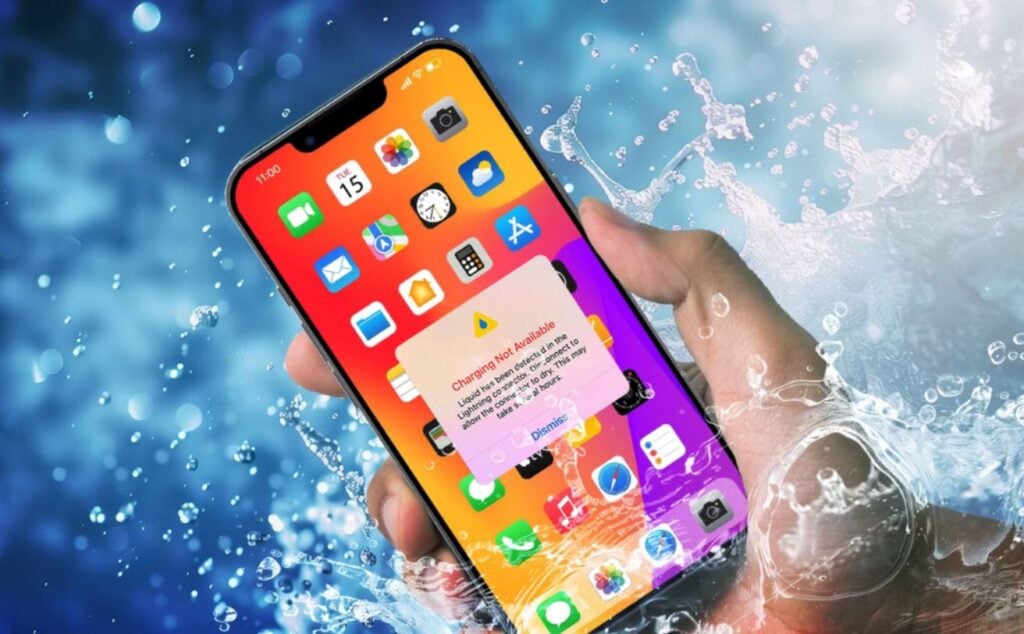
Description: Seeing a “Liquid Detected” alert on your iPhone? Learn what it means, what to do, and how ZAGG offers expert water damage repair and charging port replacement.
Seeing the “Liquid Detected in Lightning Connector” alert on your iPhone can be stressful, especially if your phone won’t charge. This warning is Apple’s built-in safety feature designed to prevent water damage, short circuits, and permanent charging port failure.
If you’re dealing with this alert, here’s what it means, what to do next, and how ZAGG repair services can help get your iPhone back to working order.
Why Your iPhone Says “Liquid Detected.”
Apple installs moisture sensors inside the charging port of iPhones. When liquid or excess moisture is detected, the phone blocks charging to protect internal components.
This alert commonly appears after exposure to:
- Water, rain, or snow
- Sweat or workout moisture
- Humid environments or steam (showers, saunas)
- Liquid spills like coffee, soda, or alcohol
Even if your iPhone is water-resistant, it is not waterproof, and charging while moisture is present can cause corrosion or internal damage.

What to Do When You See the “Liquid Detected” Alert
Recommended Steps
- Unplug the charging cable immediately
- Hold the phone with the charging port facing downward
- Gently tap to remove excess moisture
- Allow the phone to air dry for at least 30 minutes
- Use a fan if available (no heat)
Avoid These Mistakes
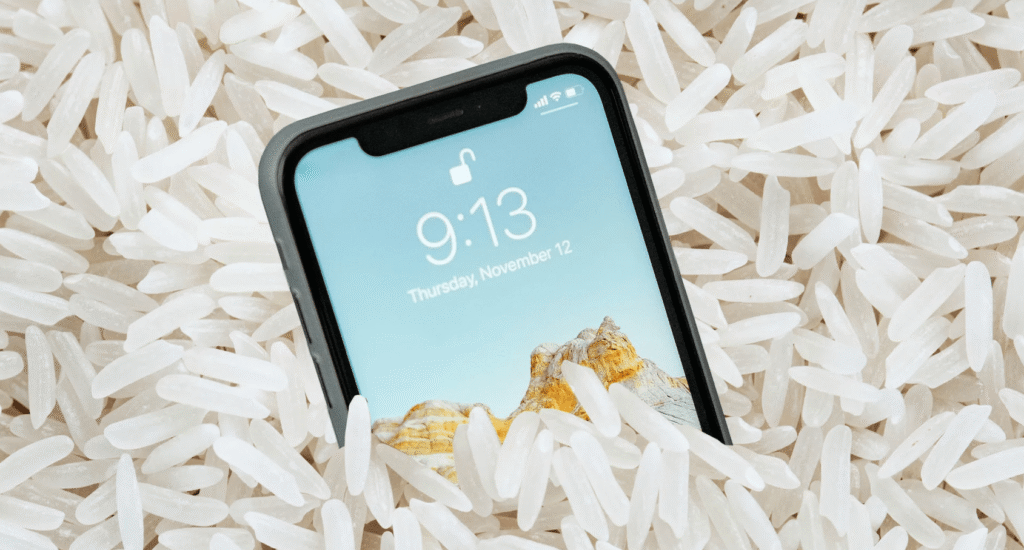
- Don’t use rice (it can trap debris inside the port)
- Don’t use heat or hair dryers
- Don’t insert cotton swabs or paper towels
- Don’t override the warning and continue charging
Ignoring the alert can lead to:
- Charging port corrosion
- Battery damage
- Intermittent or failed charging
- Costly internal repairs
When Drying Doesn’t Fix the Problem
If the alert continues to appear, or your iPhone:
- Won’t charge consistently
- Only charges at certain angles
- Shows signs of corrosion in the charging port
- Was exposed to liquid for an extended time
You may need professional water damage repair or charging port replacement.
iPhone Water Damage Repair at ZAGG
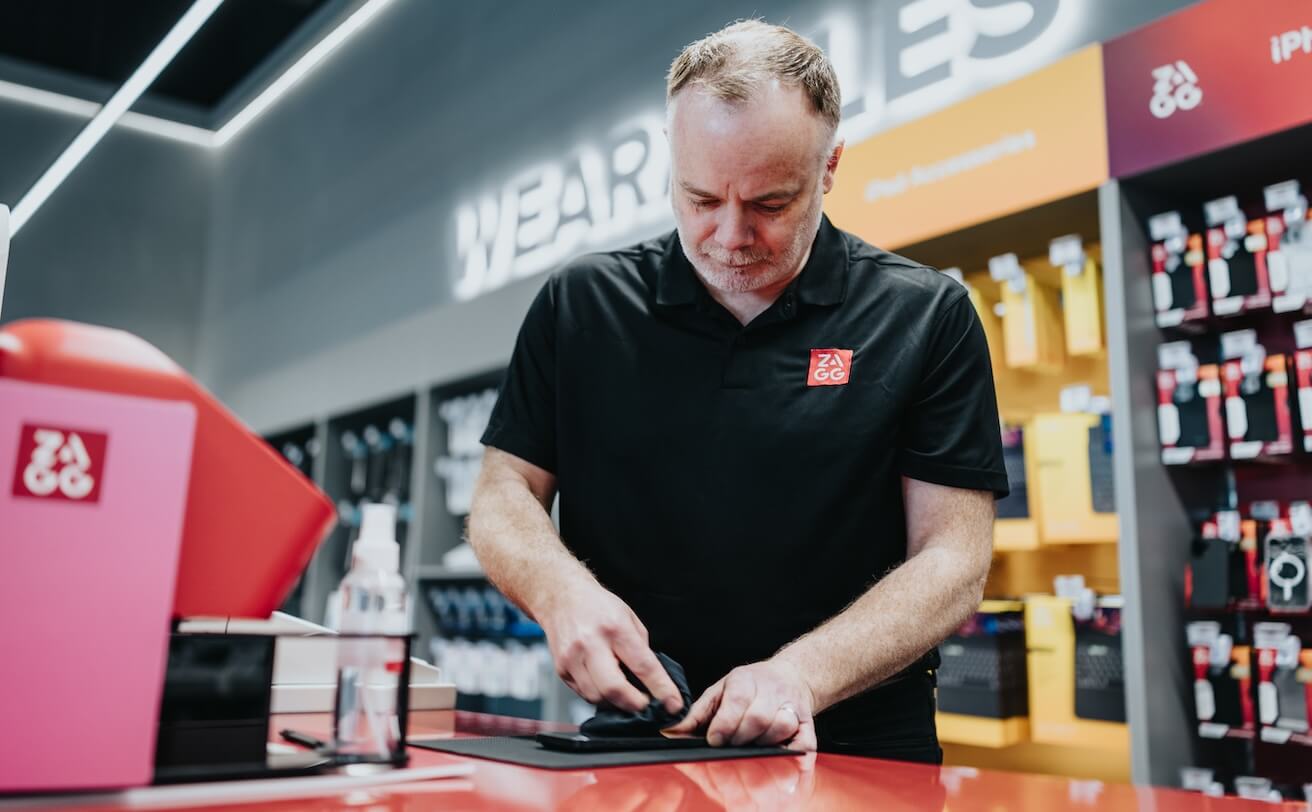
Here is when we come in! ZAGG offers expert iPhone repair services designed to fix the problem correctly, not just temporarily.
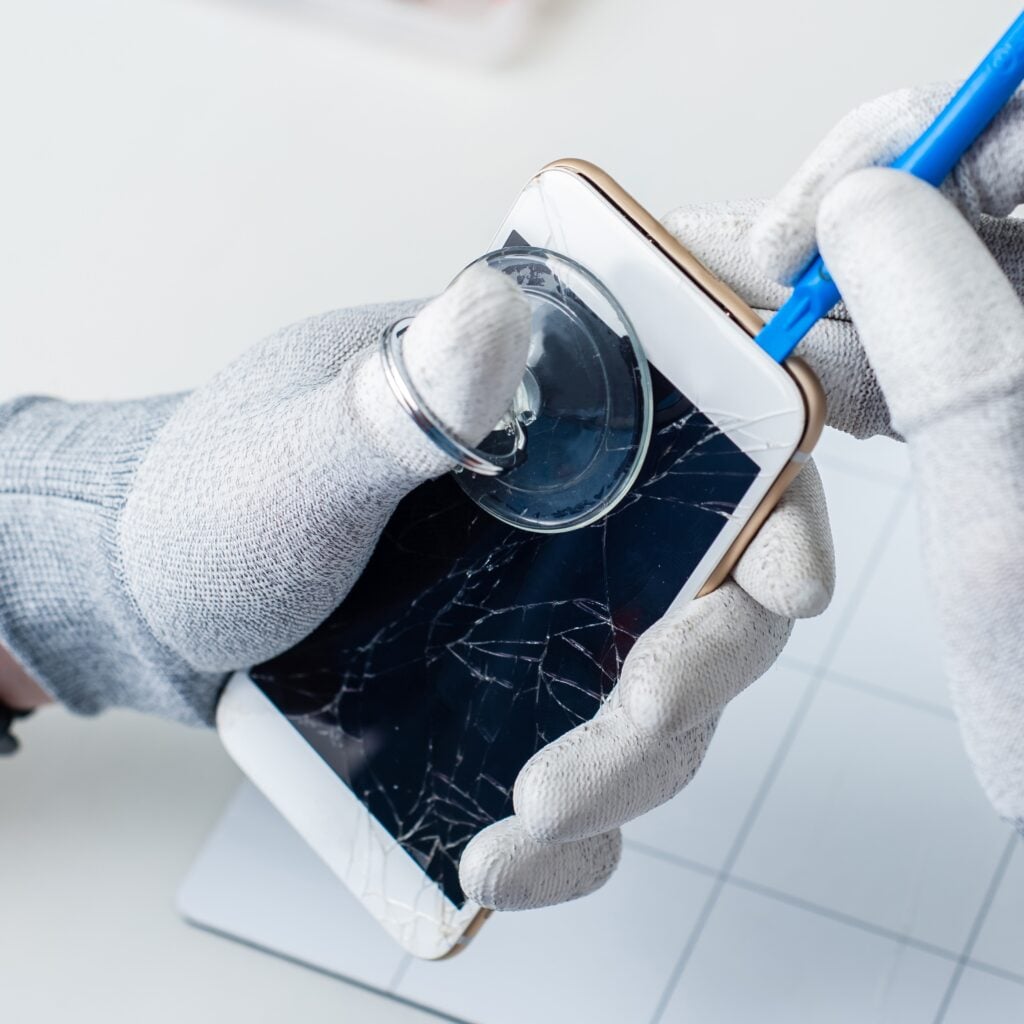
ZAGG Repair Services Include:
- iPhone water damage diagnostics
- Charging port cleaning or replacement
- Internal corrosion inspection
- Battery health checks after liquid exposure
- Screen and component repair if needed
Our trained technicians use professional tools to safely restore your device and prevent future issues. Click here to find the nearest ZAGG location to you. You can even fill out our request form for a quote on your repair!
How to Prevent Liquid Damage in the Future

After repair, protect your iPhone with:
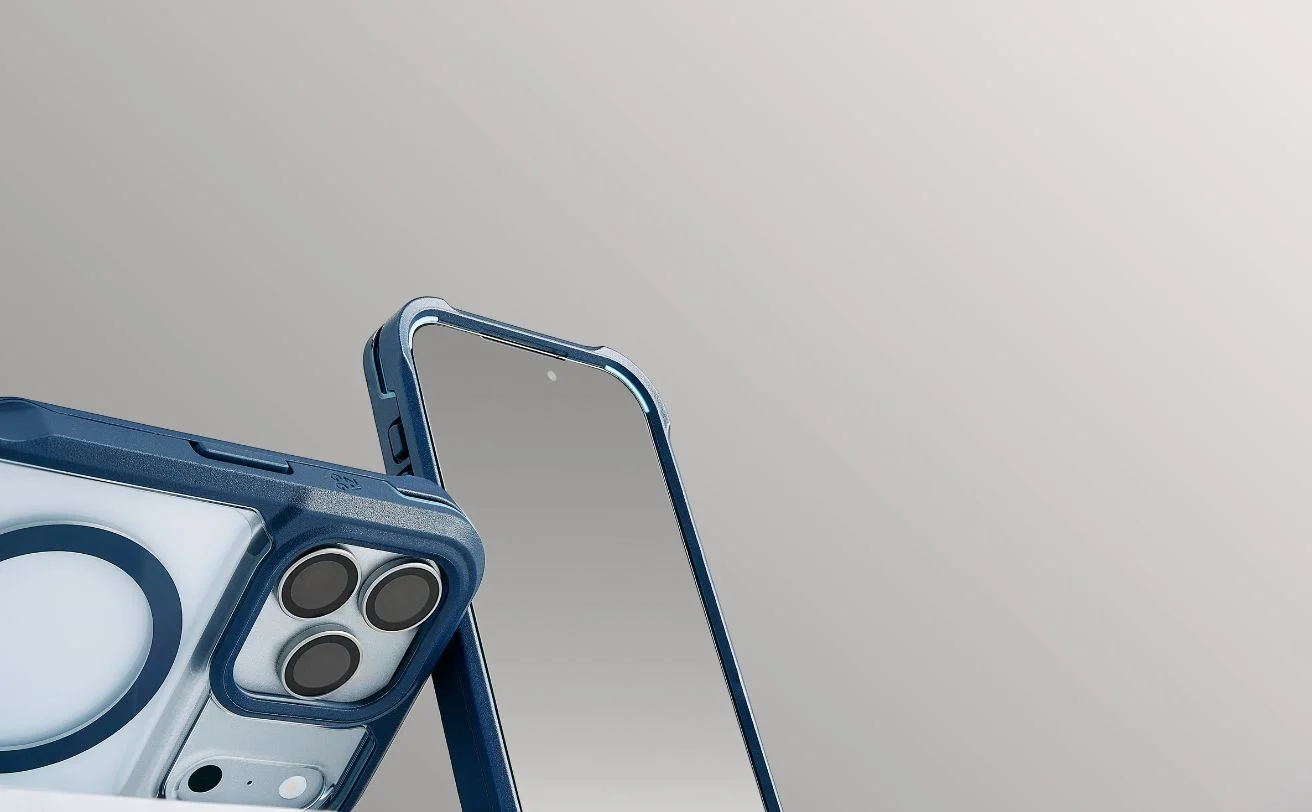
- A ZAGG protective case
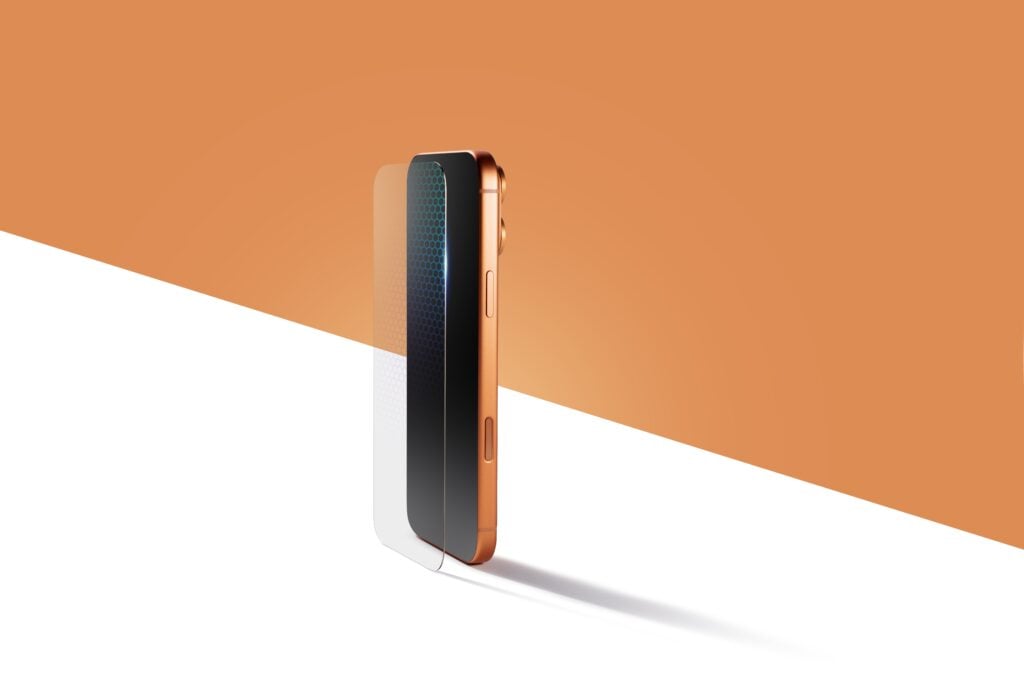
- ZAGG screen protection for added durability
- Avoid charging in humid environments
- Keep the charging port clean and debris-free
Don’t Ignore the “Liquid Detected” Alert
The “Liquid Detected” iPhone alert is a warning that shouldn’t be ignored. Acting quickly can prevent permanent damage and save you from more expensive repairs later.
Visit your local ZAGG location for fast, reliable iPhone water damage repair and charging port replacement.